Reading time: 5 min · TELOS IPTV Editorial
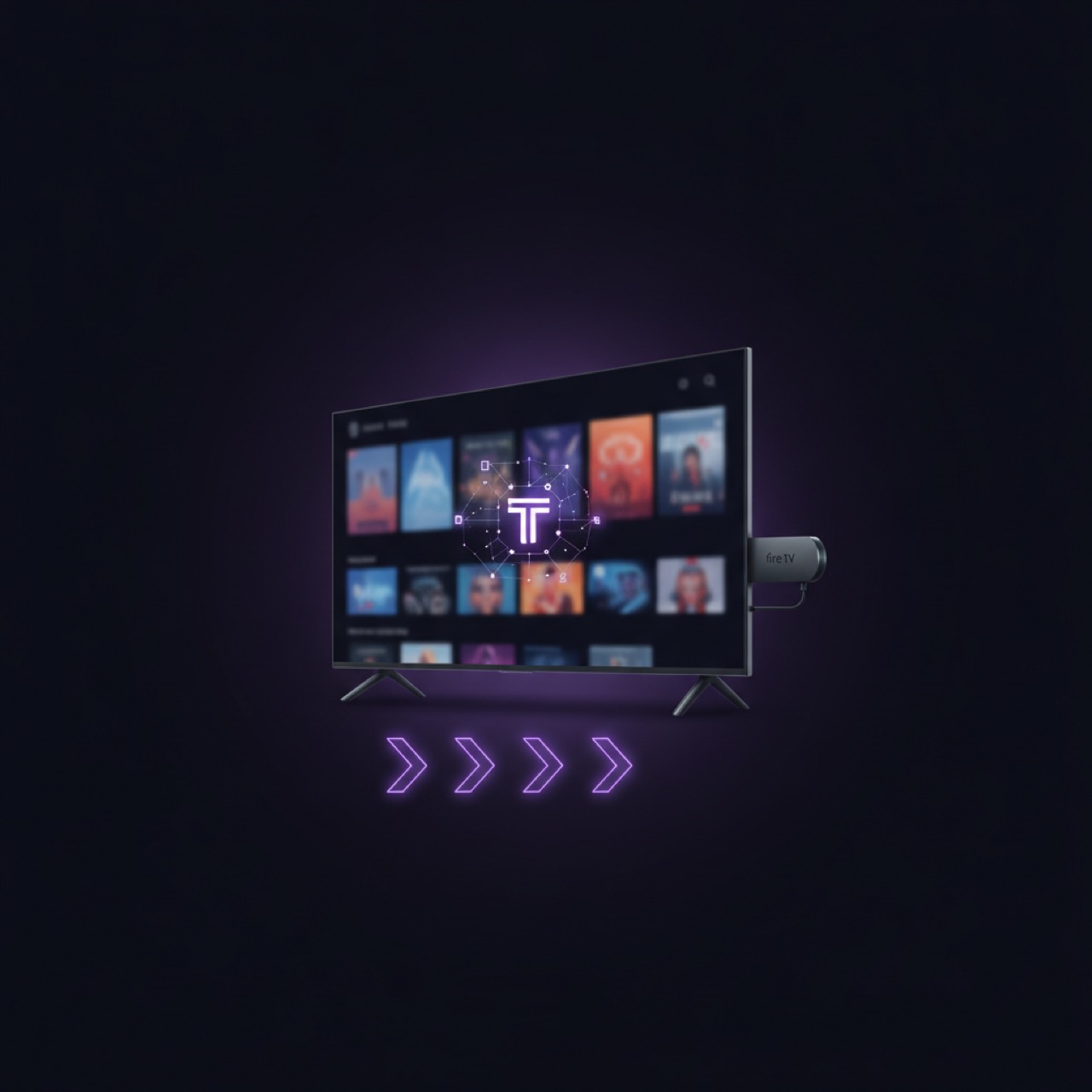
TELOS (telosiptv.com) is an elegant IPTV player designed for users who already own a legal IPTV subscription. Unlike many streaming apps, TELOS does not sell any subscriptions, channels, or streams. Instead, it lets you bring your own content – whether via M3U playlist or Xtream Codes – and enjoy it on your Fire TV Stick with a polished, user-friendly interface. This step-by-step guide will walk you through the entire setup process, from installation to configuration, so you can start watching your legal IPTV content in minutes. For more about TELOS, visit the official website.
What Is TELOS and Why Use It on Fire TV Stick?
TELOS is a premium IPTV player that respects your privacy and your content. It is not a content provider – you must supply your own IPTV subscription, which you have obtained legally from a provider of your choice. The player supports both M3U URLs and Xtream Codes API, making it compatible with virtually any legitimate IPTV service. On the Fire TV Stick, TELOS offers a clean, intuitive interface optimized for remote control navigation. Key benefits include: no ads, no tracking, full control over your playlists, and the ability to manage favorites, catch-up, and EPG (Electronic Program Guide). Because you bring your own content, you are never locked into a proprietary ecosystem. Learn more about TELOS features on the TELOS home page.
Prerequisites – What You Need Before You Start
Before beginning the setup, gather the following items:
- A Fire TV Stick (any generation) with internet connection and a valid Amazon account.
- Your own legal IPTV subscription – including either an M3U playlist URL or Xtream Codes credentials (server, username, password).
- The ability to sideload apps on Fire TV Stick (instructions below) or install from the Amazon App Store (if TELOS is available there; otherwise disable unknown sources temporarily).
- A computer or smartphone to download necessary files (optional).
Important: TELOS does not provide any IPTV subscription. You must obtain your playlist from a reputable provider that offers legal content. Avoid free or unverified sources that may stream copyrighted material.
Step-by-Step: Installing TELOS on Fire TV Stick
Since TELOS may not be in the Amazon App Store by default, you will likely need to sideload it. Follow these steps:
- Enable Developer Options: Go to Settings → My Fire TV → Developer Options. Turn on “Apps from Unknown Sources” (and if available, “ADB Debugging”). Confirm the warning.
- Install the Downloader App: From the Fire TV home screen, search for “Downloader” and install it (free app).
- Download TELOS APK: Open Downloader, enter the URL provided by TELOS (usually from the official site) to download the latest TELOS APK. Alternatively, use a direct link from telosiptv.com.
- Install TELOS: Once downloaded, click “Install” in the Downloader app. Wait for the installation to complete.
- Launch TELOS: After installation, click “Open” or find TELOS under “Your Apps & Channels”. Grant necessary permissions (storage, internet) when prompted.
If you prefer a different sideloading method (e.g., using a USB drive or ADB commands), the principle remains the same – install the TELOS APK file on your Fire TV Stick.
Configuring Your Own Legal Playlist in TELOS
Once TELOS is open, you’ll be greeted by a setup wizard. Choose your playlist type:
- M3U Playlist: Enter the full URL of your M3U file (provided by your IPTV service). TELOS will fetch and parse the channels, EPG, and categories automatically.
- Xtream Codes API: Enter the server URL, username, and password supplied by your IPTV provider. TELOS will connect and load the same data.
You can optionally add an EPG source (XMLTV URL) for electronic program guide data. Once configured, TELOS will index your content and display your channels in a clean, categorized layout. You can now browse and watch live TV, catch-up, and VOD (if your subscription includes it).
| Playlist Type | Required Information | Example |
|---|---|---|
| M3U URL | HTTP/HTTPS link to .m3u or .m3u8 file | https://example.com/playlist.m3u |
| Xtream Codes | Server, username, password | server: http://example.com:8080 |
Note: Never share your playlist or credentials. TELOS stores them locally on your device and does not send them to any third party.
Tips for Optimizing Your IPTV Experience on Fire TV Stick
To get the most out of TELOS on your Fire TV Stick:
- Ensure a stable internet connection – use a 5GHz Wi-Fi or Ethernet adapter for best performance.
- Update TELOS regularly via the official website to benefit from bug fixes and new features.
- Customize your interface: go to Settings → Appearance to change themes, layout, and enable parental controls.
- Use the remote’s context menu (long-press OK) to add channels to favorites, search, or access EPG.
- Clear cache periodically: Settings → Applications → Manage Installed Applications → TELOS → Clear Cache.
Troubleshooting Common Issues
If you encounter problems:
- Playlist not loading: Double-check the URL or Xtream credentials. Ensure your subscription is active and the provider’s server is online.
- Buffering / stuttering: Reduce video quality in TELOS settings or use a wired connection. Try other channels to isolate provider issues.
- No EPG data: Verify the EPG URL is correct and that your provider includes an EPG. Manually refresh EPG in TELOS.
- App crashes: Restart the Fire TV Stick, reinstall TELOS, or free up storage space.
- Does TELOS support external players? Yes, TELOS can integrate with VLC or other players for advanced playback.
For more detailed troubleshooting, visit the TELOS support page at telosiptv.com.
With your own legal IPTV subscription and TELOS on your Fire TV Stick, you now have a powerful, ad‑free streaming experience. Enjoy your content on your terms.
Related articles
- Watch Your Own IPTV on Samsung & LG Smart TVs with TELOS
- IPTV on Apple TV & iPhone with TELOS: Your Legal Player
- Android TV Box Setup for IPTV: Best Player & Tips
TELOS — your last IPTV player
Connect your existing playlist and enjoy your IPTV like a modern streaming interface.
Go to homepage →