Reading time: 5 min · TELOS IPTV Editorial
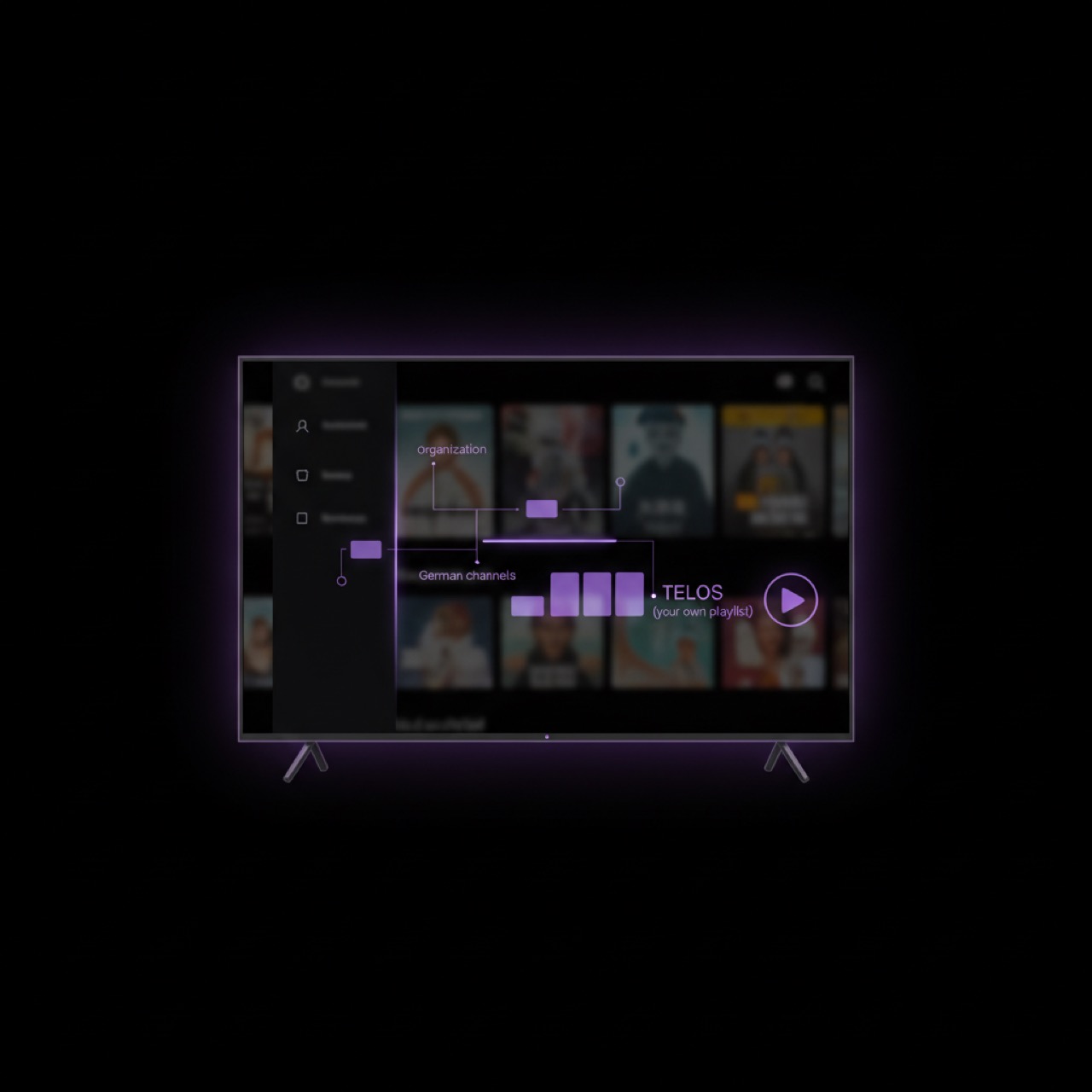
TELOS is an elegant IPTV player designed for users who bring their own legal IPTV subscription and playlist. Unlike many services, TELOS does not sell any subscriptions, channels, or streams. This makes it the perfect tool for organising your own content, including German-language channels. Whether you use an M3U file or Xtream Codes, TELOS gives you full control over how your channels are displayed. In this guide, we focus on structuring your German channels to create a clean, fast, and enjoyable viewing experience.
Why Organise German Channels?
Organising your German channels helps you find content quickly, avoid scrolling through hundreds of irrelevant entries, and ensures you only see what you legally own. With German media spanning news, sports, entertainment, and regional programming, grouping them logically saves time and reduces frustration. A well-organised playlist also makes it easier to share your setup with family members or to maintain compliance with your legal subscription provider.
Getting Started with Your Own Playlist
To begin, import your own legal M3U file or Xtream Codes into TELOS. On the main interface, navigate to the playlist section and choose your source. TELOS supports both local files and remote URLs. Once imported, your channels appear in a default list. You can then start customising the layout. For detailed instructions on adding your playlist, visit the TELOS website. Remember: your playlist must come from a legitimate subscription you own – TELOS never provides content.
Grouping German Channels by Category
TELOS allows you to create custom groups, making it simple to separate German channels from others. Use the built-in grouping feature to define categories such as:
- German News
- German Sports
- German Entertainment & Series
- German Regional Channels
- German Kids & Family
Each group can be named and ordered according to your preference. When you add a channel to a group, it automatically appears under that heading. This is especially useful for large playlists with dozens of German senders. You can also create subgroups if your playlist supports hierarchical structures.
Sorting and Prioritising Channels
Once your groups are set, sorting channels within each group is the next step. TELOS offers several sorting options to match your viewing habits. The table below summarises the main choices:
| Sort Option | Description | Best For |
|---|---|---|
| Alphabetical | Channels sorted A–Z by name | Quick lookup of known channels |
| Channel Number | Uses the numbers from your playlist (if provided) | Traditional EPG-style navigation |
| Custom Order | Manually drag and drop channels | Personalised top-ten or favourite arrangement |
| Last Watched | Sorts by most recent view | Returning to frequently used channels |
Choose the method that works best for your German channel library. You can always change the order later without affecting your underlying playlist file.
Managing and Updating Your Playlist
Your legal IPTV subscription may update its channel list over time. TELOS makes it easy to refresh your playlist: simply reload the M3U URL or re-import the Xtream Codes. The groups and sorting you configured are preserved, so you do not lose your organisation. For advanced users, TELOS also supports EPG (Electronic Programme Guide) integration, which can be paired with your German channels for a complete TV experience. For further tips, check the support section on telosiptv.com. Remember, the key is that you remain in full legal control of your own content.
Related articles
- Watch Live Football & Sports with Your Own IPTV: TELOS Player Guide
- Managing International Channels in TELOS: A Complete Guide
- IPTV Explained: What It Is and How It Works for Beginners
TELOS — your last IPTV player
Connect your existing playlist and enjoy your IPTV like a modern streaming interface.
Go to homepage →